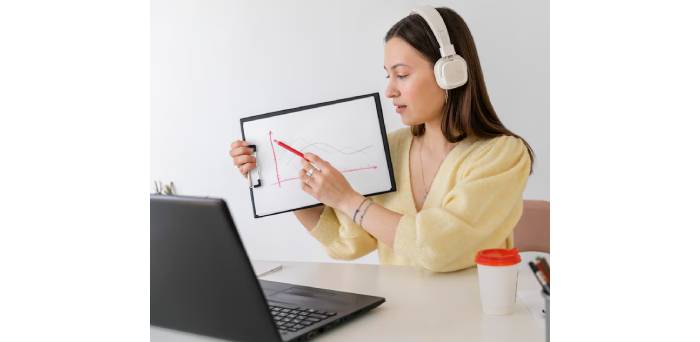
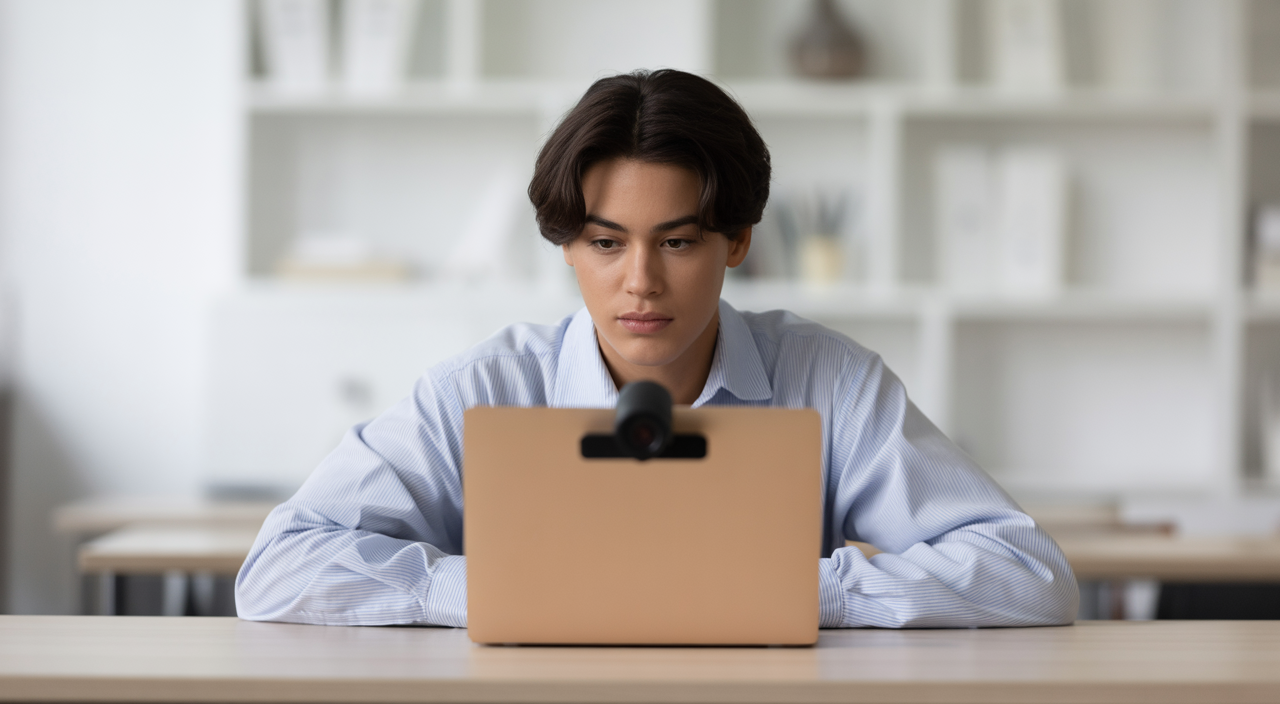
Have you ever wondered exactly how your webcam plays a role in online exams? Taking an exam remotely can feel different from a traditional classroom setting. Many students and educators have questions about the technology involved. Understanding the function of an online proctored exam webcam helps ease concerns. It also ensures a smooth and fair testing experience for everyone.This guide will walk you through everything you need to know. We’ll cover webcam requirements, how these systems keep your test secure, and practical tips for success. Our goal is to make you feel confident and ready for your next online assessment.
What is an Online Proctored Exam Webcam and Why is it Essential?
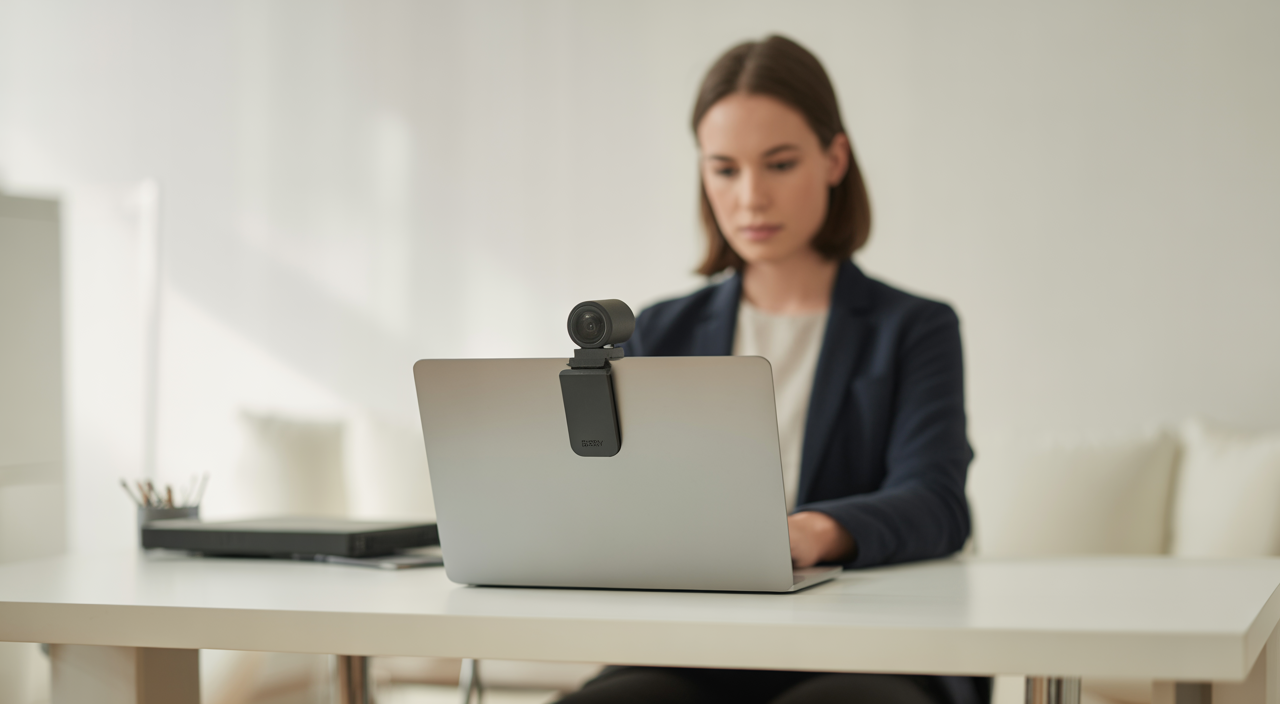
An online proctored exam webcam is more than just a camera for video calls. It’s a key tool in maintaining the honesty of remote tests. This small device helps ensure that everyone takes their exams fairly. It creates a secure and reliable testing environment, even when you are far away from the testing center.
Beyond a Simple Video Call: The Technology Behind Webcam Proctoring
Webcam proctoring involves using your computer’s camera to record or stream your exam session. This video feed goes to a proctor. A proctor is a person who supervises exams. They watch to make sure no rules are broken. Some systems also use smart software, often called Artificial Intelligence (AI), to help. This software can flag unusual movements or sounds. However, a human proctor is usually involved to review these flags. This combination helps prevent cheating effectively. The webcam’s main job is to capture your face, your movements, and a view of your immediate surroundings. This helps confirm your identity and ensure you are working independently.
The Benefits for Students and Institutions
For students, webcam proctoring offers great flexibility. You can take exams from almost anywhere in the world. This means less travel and more convenience. For schools and certification bodies, it’s about keeping tests fair and trustworthy. It helps protect the value of your degree or certification. This technology allows education to continue smoothly, regardless of location.
Navigating Webcam Requirements for Your Online Exam
To avoid any last-minute stress, it’s important to know what your exam needs. Most online proctoring services have specific requirements for your webcam and computer setup. Meeting these standards ensures your exam runs without a hitch.
Essential Hardware & Software Specifications
First, let’s talk about the webcam itself. Most services require a camera that can record in at least 720p resolution. This ensures the video quality is clear enough for the proctor to see you. A frame rate of 15 to 30 frames per second is usually sufficient for smooth video. Both internal webcams (built into your laptop) and external webcams (plugged in via USB) are typically fine. An external webcam might offer more flexibility for positioning. You’ll also need a stable internet connection. A wired connection is always best. If you use Wi-Fi, make sure it’s strong and reliable. Your computer’s operating system should also be up to date. This ensures all software, including proctoring applications, runs smoothly. Always check the specific requirements given by your exam provider well before test day.
Setting Up Your Exam Environment (Beyond the Webcam)
Your physical space is just as important as your technical setup. Choose a quiet, well-lit room where you won’t be disturbed. Make sure your desk is clear of notes, books, or unauthorized devices. The proctor will usually ask you to do a “room scan” with your webcam. This gives them a full view of your workspace. Good lighting is crucial. It helps the proctor see your face clearly and prevents shadows that could cause issues. Don’t forget audio! Make sure your microphone works for communication with the proctor if needed. Preparing your environment carefully makes a big difference. It helps you focus and avoids any red flags. To understand how advanced systems bring efficiency to the entire process, you might find it helpful to read about the benefits of using online proctoring software.
How Does Single Webcam Live Proctoring Work? A Closer Look at Real-Time Monitoring
Many advanced proctoring systems, including solutions that utilize an online proctored exam webcam, focus on live human supervision. This method offers a strong balance of security and a smoother experience for test-takers. You might wonder how a single camera can do the job effectively.The process usually starts with identity verification. You’ll show your ID to the webcam. Then, you might be asked to perform a room scan. This involves slowly moving your webcam around your room to show your workspace. Once that’s done, the live proctor monitors your feed. They watch your face, eye movements, and body language. They also keep an eye on your computer screen through screen sharing. This combined view gives them a full picture of your exam session. The proctor can communicate with you in real-time if they see anything unusual. This human element is very important. For instance, if you accidentally look away momentarily, a human proctor can often discern if it’s a genuine distraction or a suspicious movement, unlike AI that might flag it regardless. It allows for immediate interaction and clarification, reducing misunderstandings. This integrated approach means a single, well-placed webcam provides enough oversight. It removes the need for complicated multi-camera setups. This makes the setup easier for you without compromising the exam’s integrity.
Addressing Common Concerns: Privacy, Security, and False Flags
It’s natural to have questions about privacy and security when being monitored. Online proctoring services understand these concerns. They have measures in place to protect your data and ensure fairness.
What the Proctor Sees (and Doesn’t See)
Proctors are trained to focus solely on your exam conduct. They are looking for behaviors that might indicate rule-breaking, like looking away excessively or using unauthorized materials. They are not interested in your personal belongings or the details of your home. Reputable proctoring services use strong data encryption to protect your video feed and personal information. They also have strict privacy policies. These policies explain how your data is collected, stored, and used. Your session is typically recorded and kept for a limited time, only to be reviewed if an incident report is filed.
Mitigating Technical Issues and False Alerts
Technical glitches can be frustrating. A stable internet connection is your best defense. If your webcam momentarily disconnects or your video quality drops, a live proctor can often quickly assess the situation. They can guide you through troubleshooting steps. This is a big advantage over purely AI-based systems. AI might flag an innocent action as suspicious. A human proctor can understand context. They can tell the difference between a genuine technical issue and actual misconduct. This reduces the chances of false alarms and ensures your exam isn’t unfairly interrupted.
Troubleshooting Your Online Proctored Exam Webcam: Quick Fixes for Common Issues
Technical problems can pop up at the worst times. Knowing a few quick fixes can save your exam day. Here are some common webcam issues and how to handle them.
“Webcam Not Detected” or “No Video Feed”
If your system can’t find your webcam, here are some quick fixes:
- Check the physical connection: If it’s an external webcam, unplug and re-plug it. Try a different USB port.
- Restart your computer: This often resolves temporary glitches for both internal and external cameras.
- Close unnecessary applications: Other programs might be using your webcam, preventing the proctoring software from accessing it.
- Review privacy settings: Ensure your computer’s privacy settings grant your browser and the proctoring software permission to access your camera and microphone.
“Poor Video Quality” or “Lagging”
Blurry video or constant freezing can be distracting. This is often an internet issue. Here’s how to improve video quality:
- Optimize your internet connection: Try moving closer to your Wi-Fi router or, even better, use a wired Ethernet connection.
- Limit background activity: Close any background applications that might be consuming bandwidth, such as streaming services or large downloads.
- Improve lighting: Ensure your room is well-lit. Poor lighting forces your webcam to work harder, which can lead to grainy video. Adjust your lighting to brighten your face without creating harsh shadows.
Pre-Exam Checks and Best Practices
The best way to avoid issues is to prepare early. Follow these best practices:
- Test your equipment: Test your webcam and microphone several days before your exam. Most proctoring platforms offer a system check tool – use it!
- Restart your computer: Do this shortly before the exam to clear any lingering processes.
- Close unnecessary applications: Close all unnecessary browser tabs and applications to free up your computer’s resources.
- Ensure power: Have a charged laptop or be plugged into power; this is vital.
Being prepared can greatly reduce exam day anxiety. To help you get ready, consider learning strategies for building confidence for exams.
Enhancing Your Online Proctoring Experience
Beyond just meeting the basic requirements, several factors enhance the proctoring experience. These features work together to create a robust and fair system. The human touch of live proctors, for instance, adds immense value. They can offer real-time support and make judgments that AI cannot. They are there to help, not just to watch. Screen monitoring is another powerful tool. It allows proctors to see what’s happening on your computer screen. This, combined with the webcam feed, provides a comprehensive view of your entire testing environment. Browser lockdown features prevent you from accessing other websites or applications during the exam. All these elements work in harmony. They ensure the integrity of your exam while still aiming for a user-friendly process. A streamlined setup, like one that relies on a single webcam, makes the whole experience less daunting.
Conclusion: Confident & Secure Online Exams with the Right Webcam Setup
Online proctored exams are here to stay, offering incredible flexibility for students worldwide. Your online proctored exam webcam is a critical component of this process. Understanding its role, preparing your setup, and knowing how proctoring works can turn a potentially stressful experience into a confident one. Remember, preparation is key to success. With the right setup and a clear understanding of the process, you can focus on what truly matters: demonstrating your knowledge. Embrace the convenience and security that modern online proctoring offers.
Frequently Asked Questions
Q1: Is my privacy protected during an online proctored exam?
Yes, reputable online proctoring services have strict privacy policies and use data encryption to protect your information. Proctors are trained to focus only on exam conduct, and your video feed is typically stored securely for a limited time, only accessible if an incident review is needed. Always review the privacy policy of your specific proctoring service.
Q2: Can I use my phone’s camera as an online proctored exam webcam?
Most online proctoring systems require you to use a dedicated webcam connected to your computer or your laptop’s built-in camera. While some services might offer a secondary camera option using a mobile device, it is rarely the primary webcam solution. Always check your exam provider’s specific requirements, as using a phone camera might not be supported or allowed for the main proctoring feed.

Mary Burns is a dedicated writer focusing on health and fitness topics. With a passion for promoting wellness and vitality, Mary shares her knowledge and expertise through engaging and informative blog posts.